Changing the Owner of a Policy
Last updated: March 25, 2026
Each policy has two owner roles: General or business owner and Security owner. At least one must be assigned at all times. Owners are shown in the Details tab of the policy.
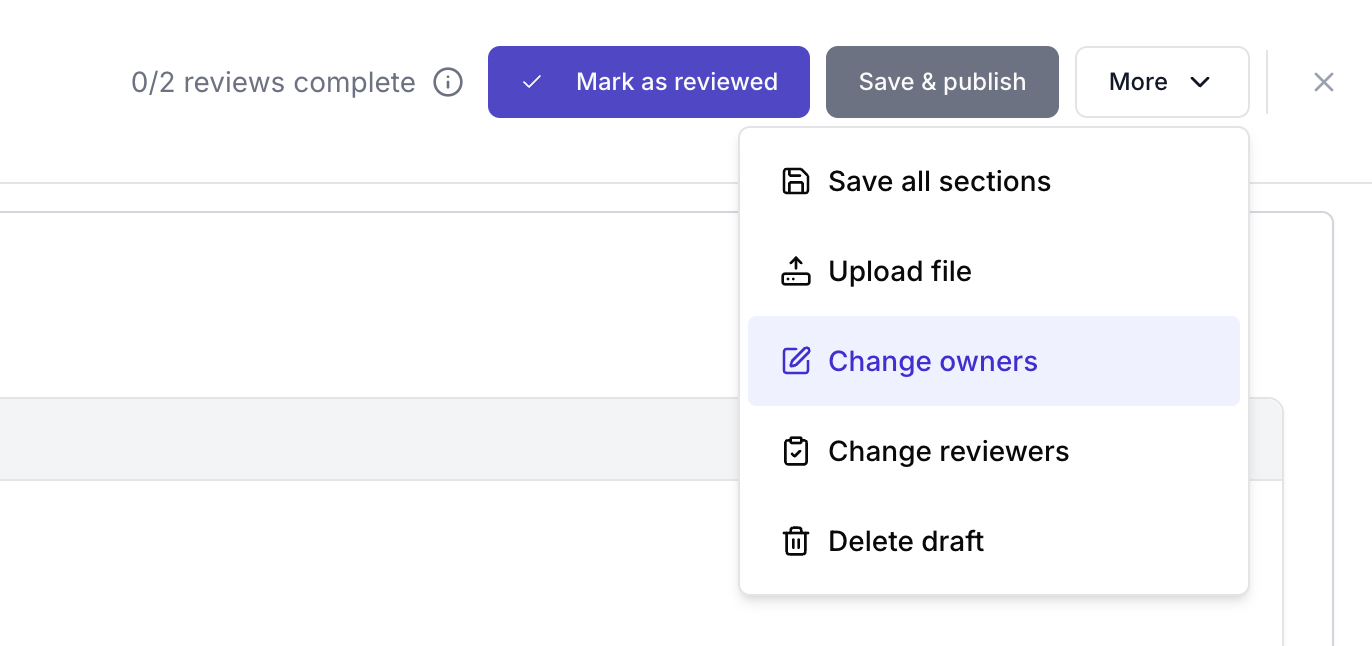
You can change owners from several places:
From the Policies list:
Find the policy in the list.
Select the three-dot menu (⋮) on the policy row.
Choose Change owner.
Select the new owner(s) and confirm.
From the Policy detail page:
Open the Policy detail page.
Select Options.
Choose Change owner.
Select the new owner(s) and confirm.