Exporting and Downloading Policies
Last updated: March 25, 2026
Exporting all published policies
To export all published policies:
Open the Policies page.
Select More.
Choose Export published versions.
Mycroft prepares a ZIP file containing all published policies and emails it to you.
Note: Exports only include published policies. Draft content is not included.
Downloading an individual policy
To download the latest version of a policy:
Open the Policy detail page.
In the Versions tab, find the Latest version card.
Select Download.
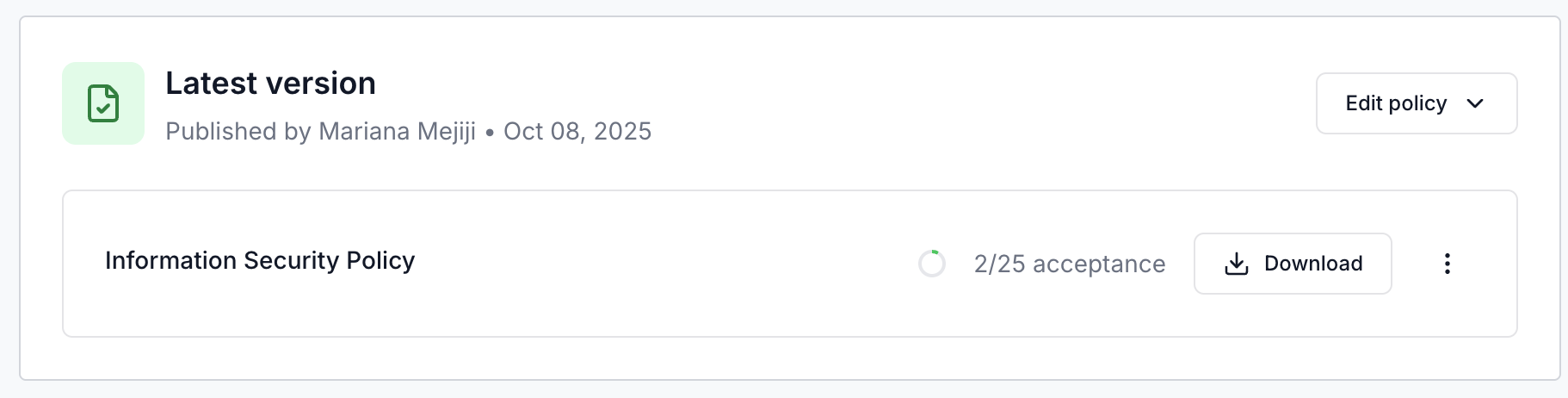
To download a specific past version, expand the Version history section and use the download action on any listed version.