Creating and Publishing a Risk Assessment
Last updated: November 20, 2025
This document outlines the process for creating and publishing a risk assessment within the Risk Management system. The procedure involves several key steps to ensure a comprehensive evaluation of risks, from their addition to the final publication and export of the assessment results.
Creating a New Assessment
To initiate the creation and publication of a risk assessment, navigate to the Risk Management category located under the Risks section.
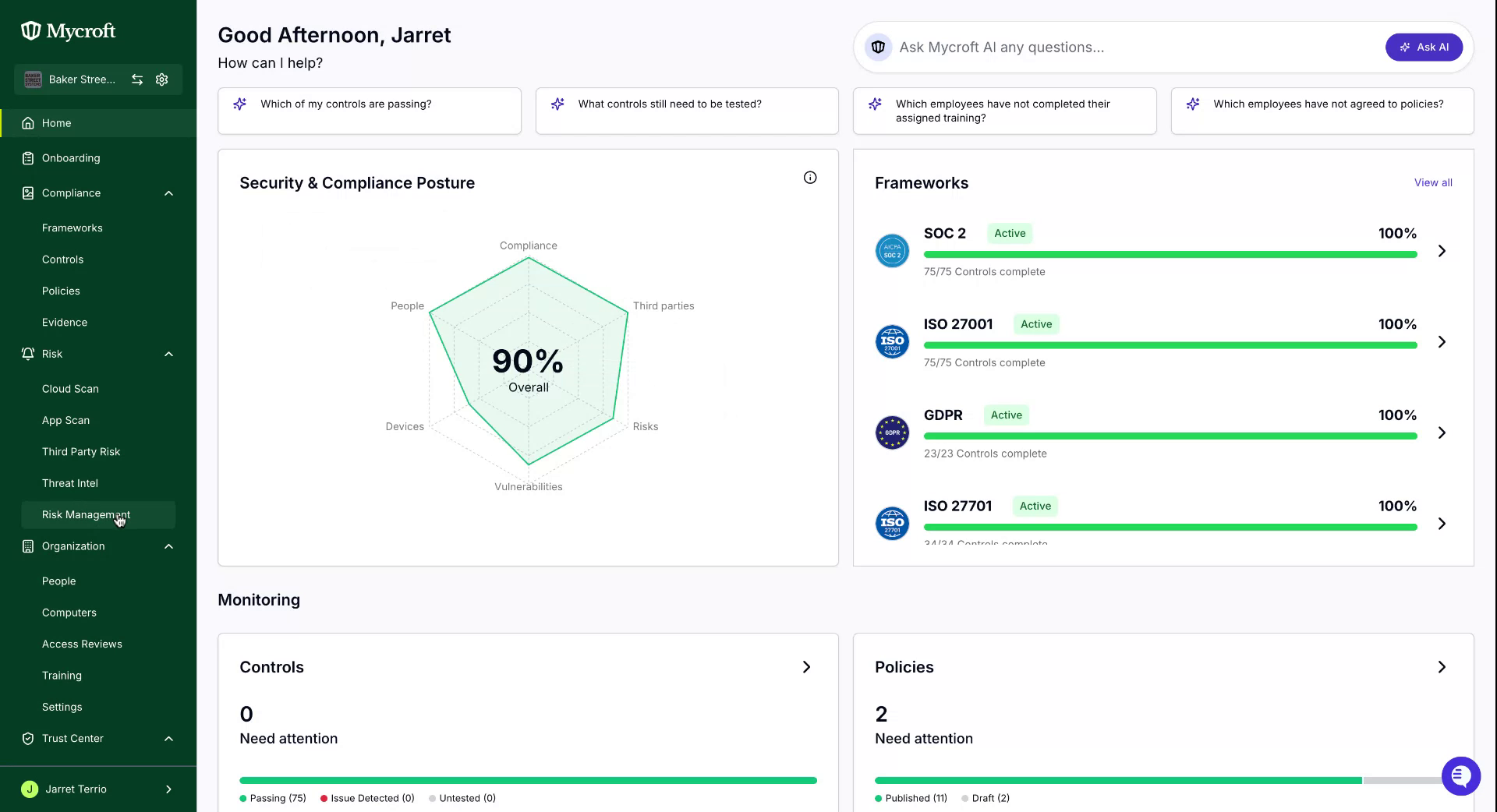
In this section, you can view the risks currently being tracked in your Risk Register. To include these risks in an assessment, switch to the Assessment tab and click on the 'Create Assessment' button, which is situated at the top right corner of the page.
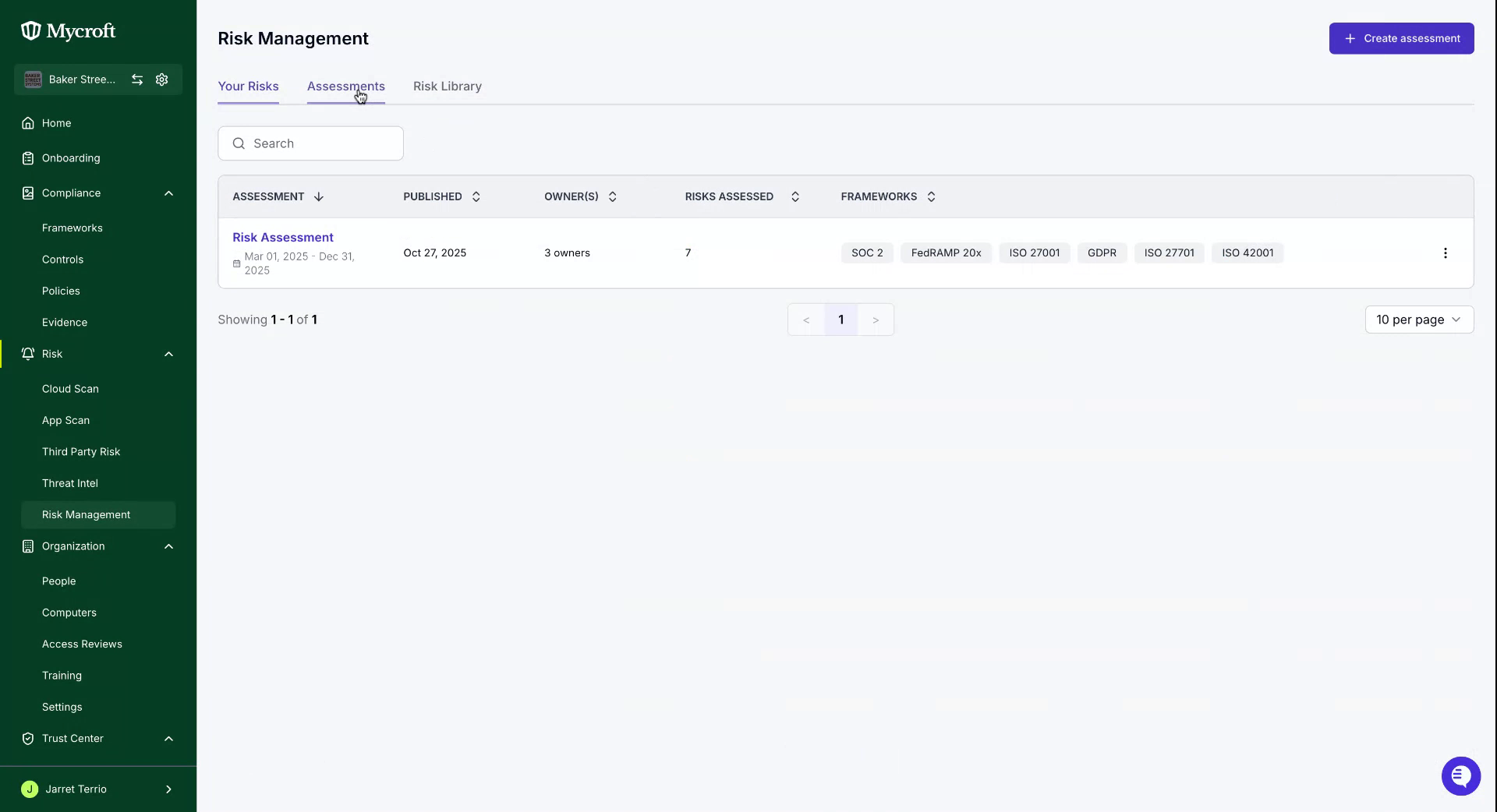
You will be prompted to provide some essential information. Start by entering a title for your risk assessment.
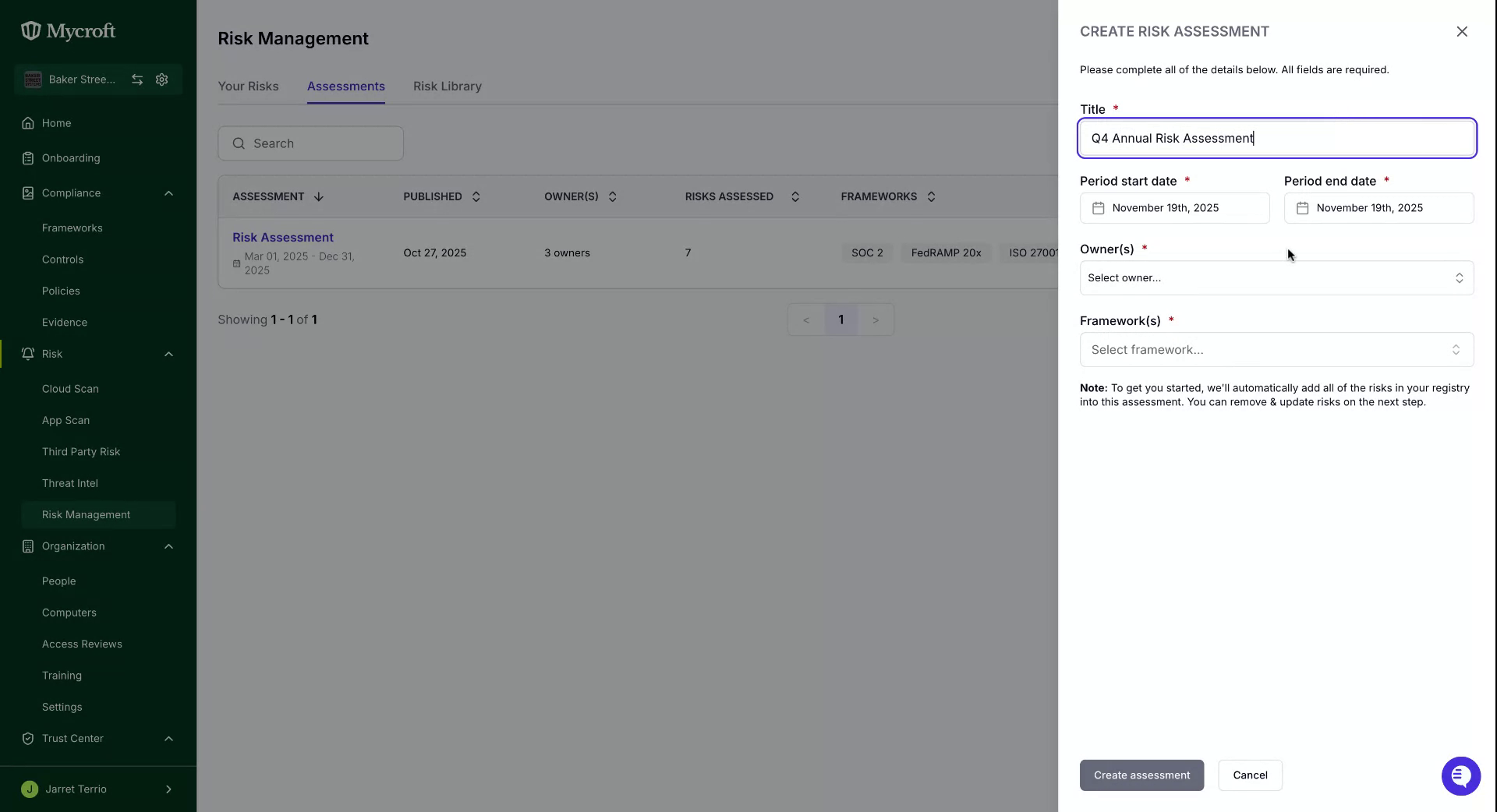
Once all the necessary information has been entered, click the 'Create Assessment' button located at the bottom left to proceed.
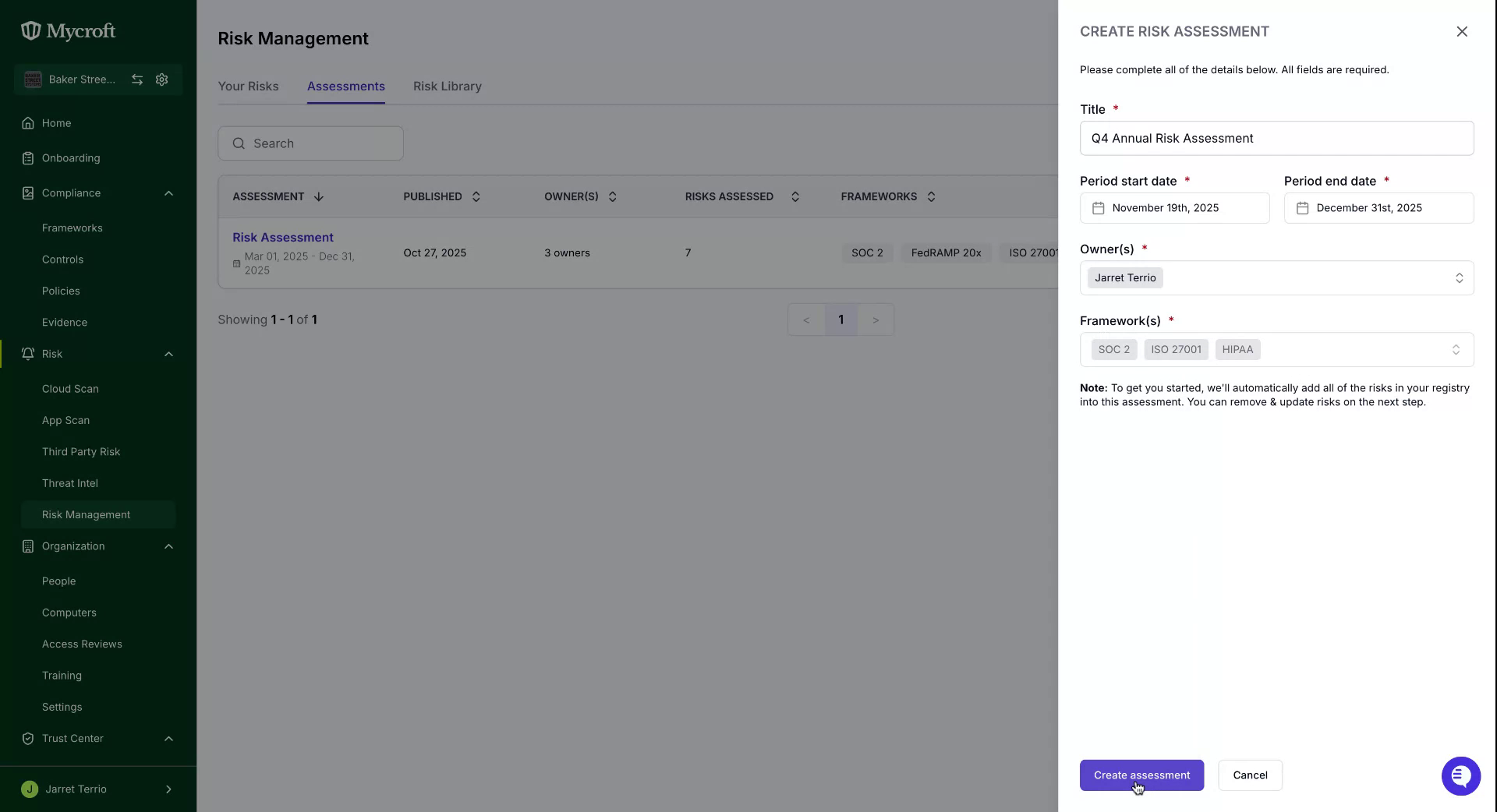
Conducting your Risk Assessment
To start your assessment, select the newly created entry.
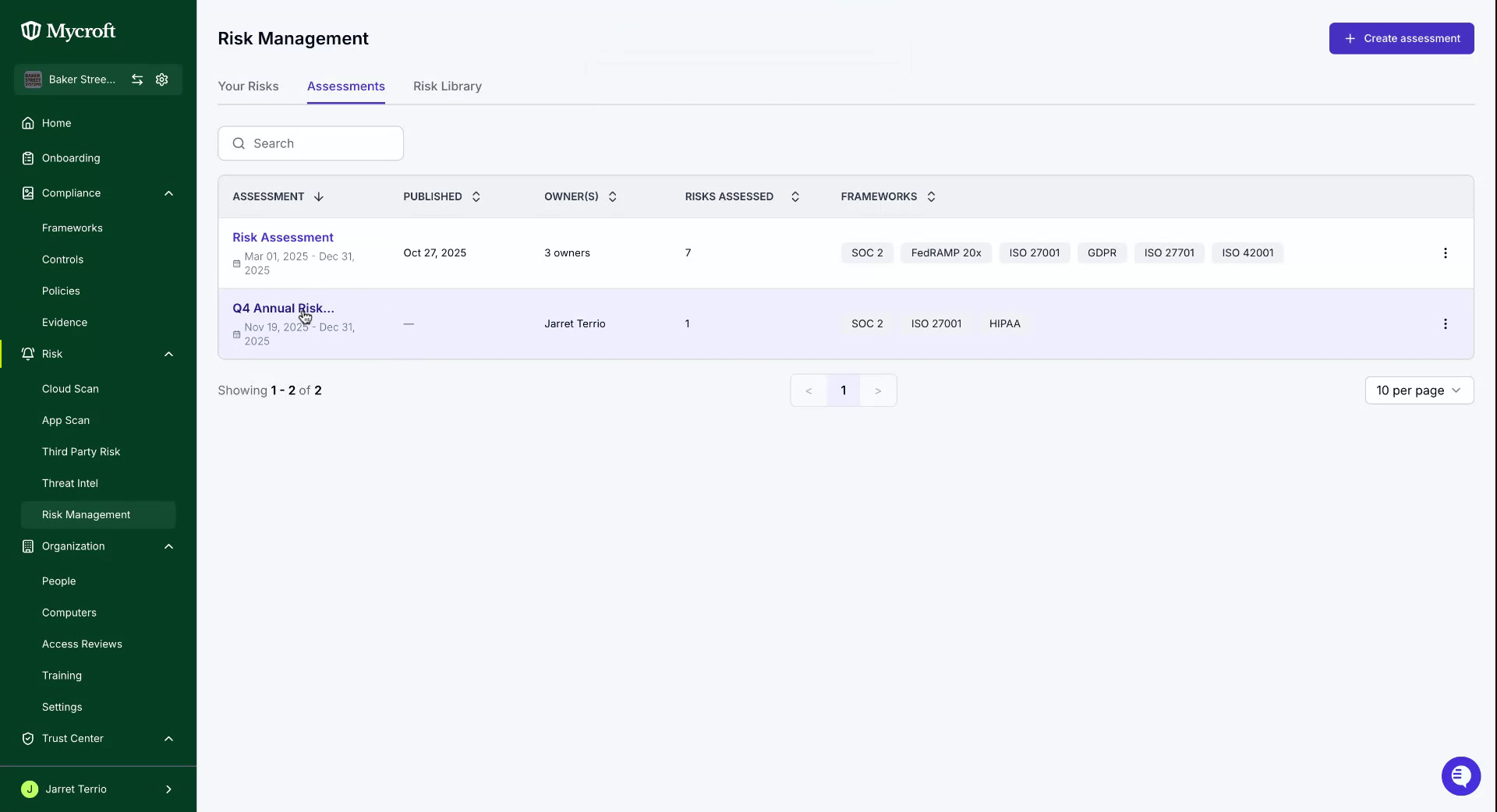
Each risk must be reviewed and approved prior to publishing the assessment. To start the review process, select a risk to view its details.
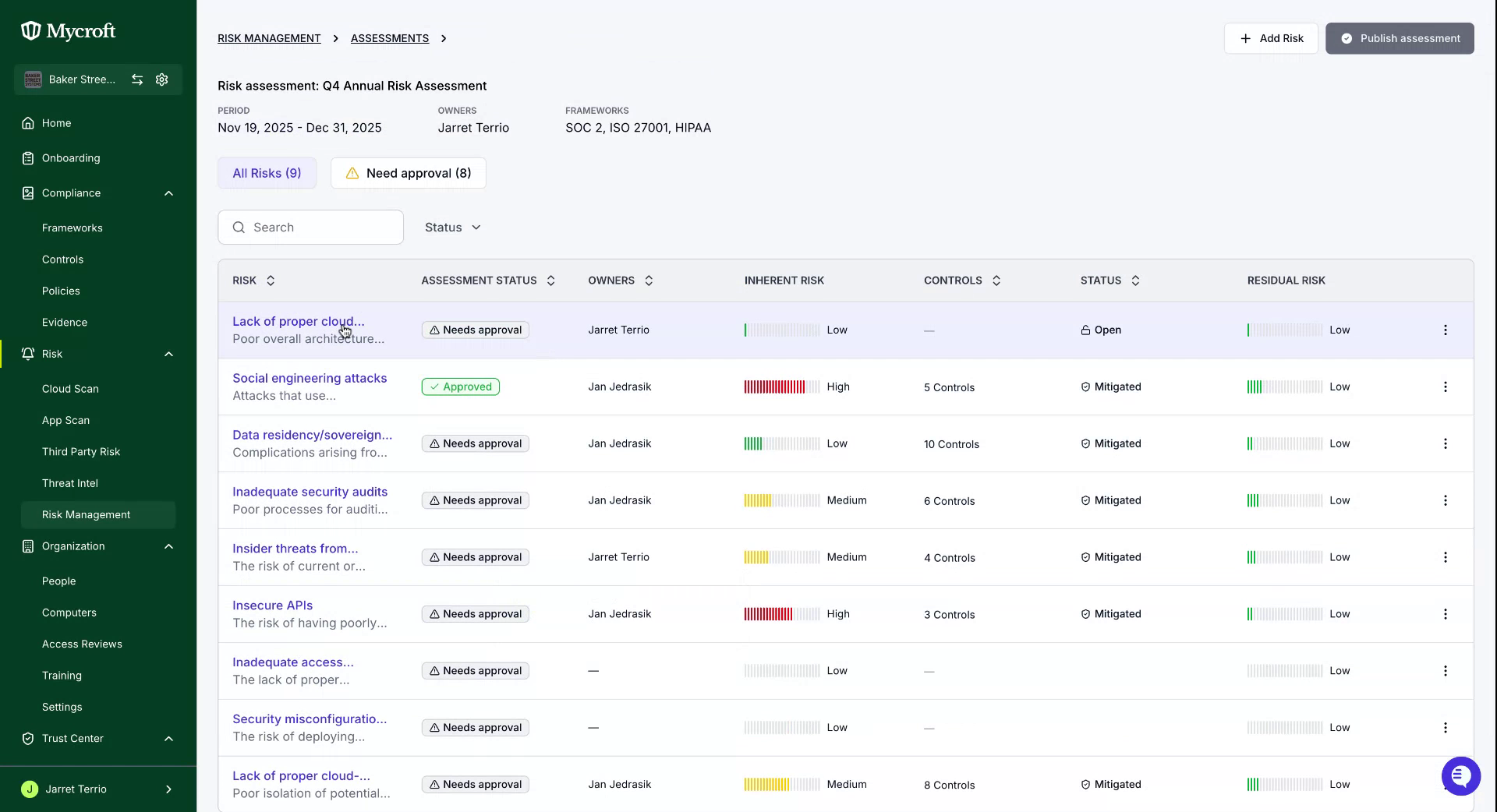
During this review, you have the option to edit risks to ensure consistency throughout the assessment.
After reviewing a risk, click the 'Save Changes' button to finalize your approval of it.
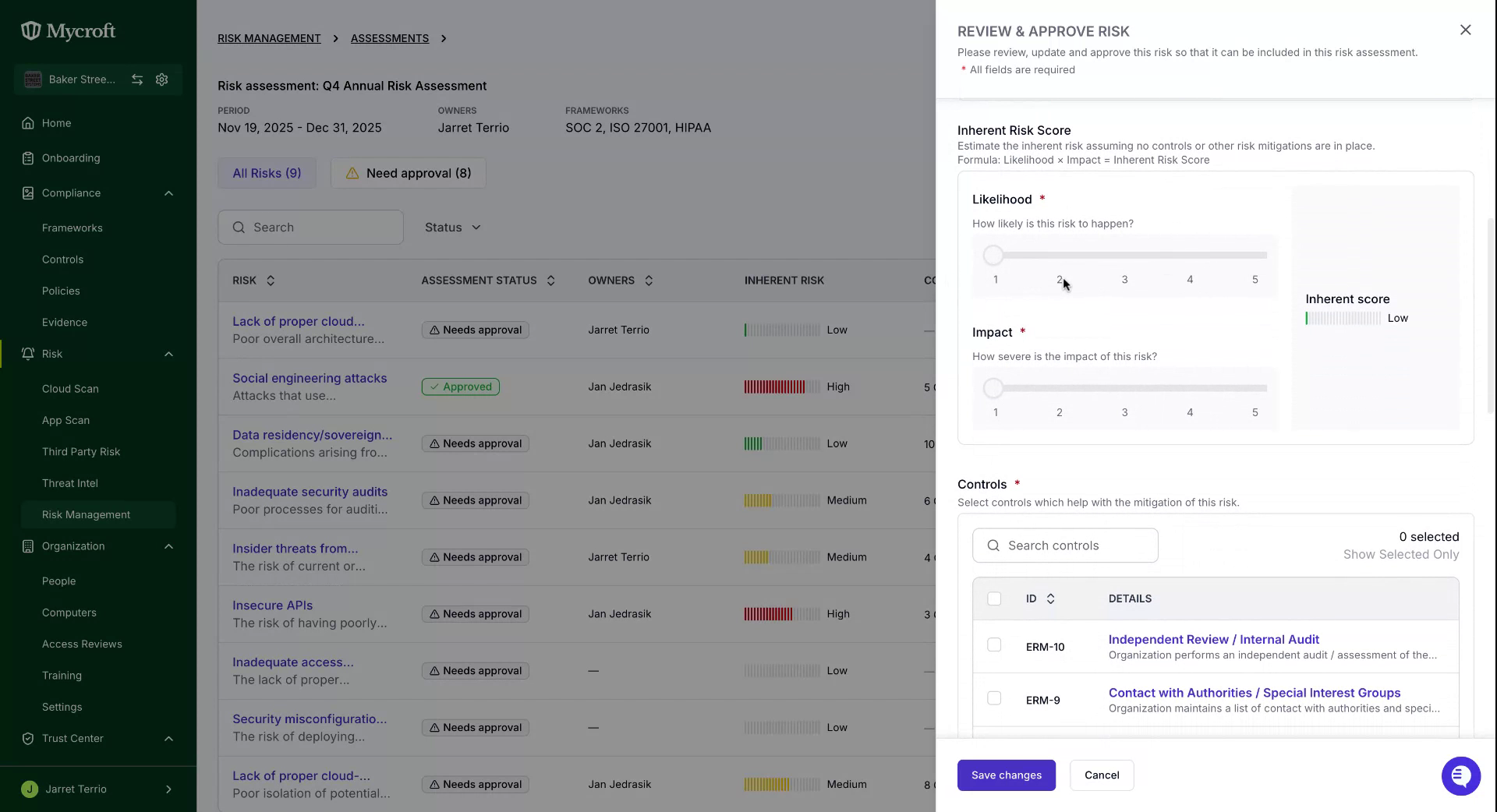
Once all risks have been approved, complete your assessment by clicking the 'Publish Assessment' button located at the top right.
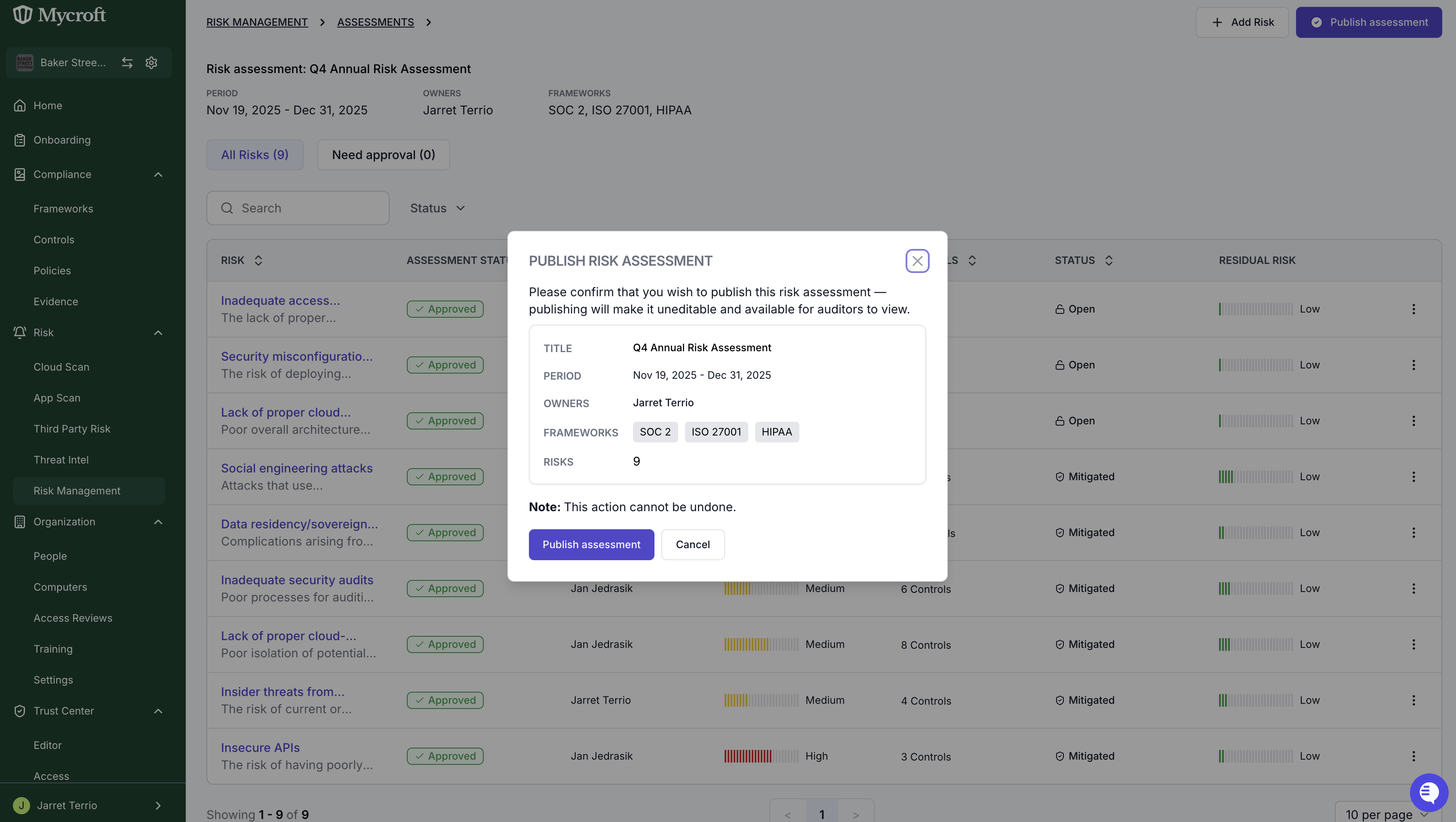
This completes the process of publishing a risk assessment.