Disable MDM Computer Tasks
Last updated: March 19, 2026
The requirement of installing the Mycroft MDM Agent for all employees can be disabled.
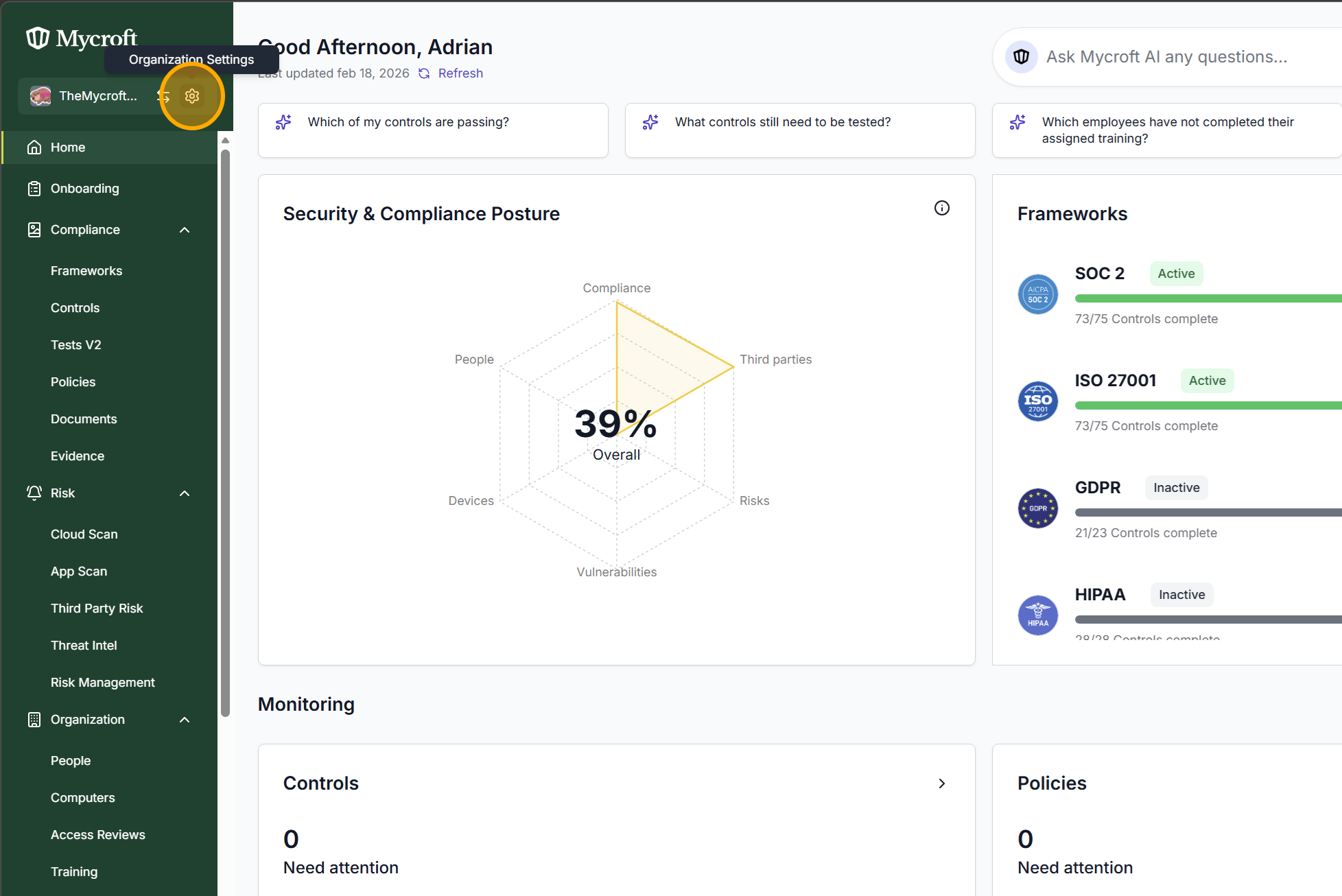
Navigate to “Organization Settings” of the Mycroft Dashboard.
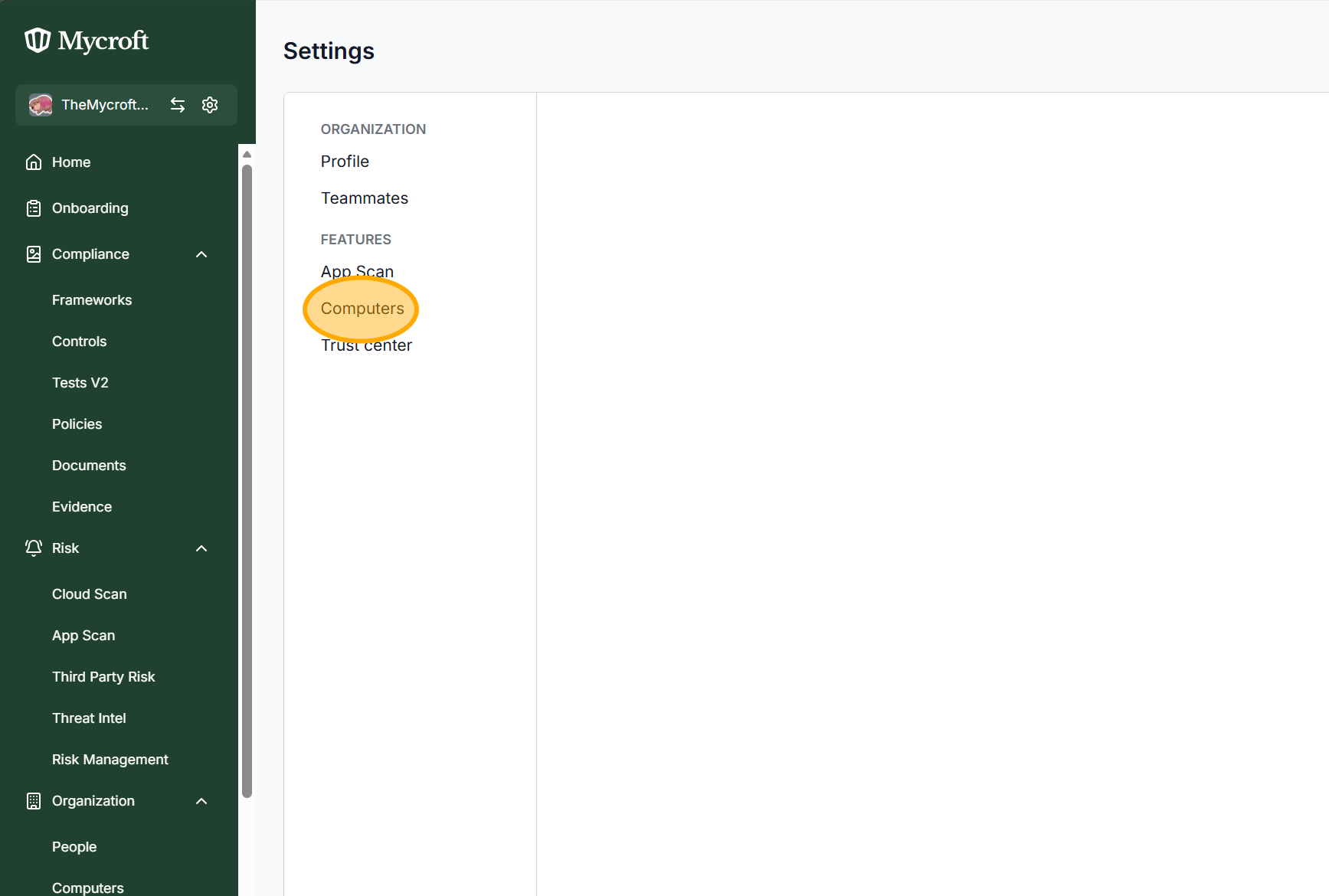
Under Features, Select “Computers”.
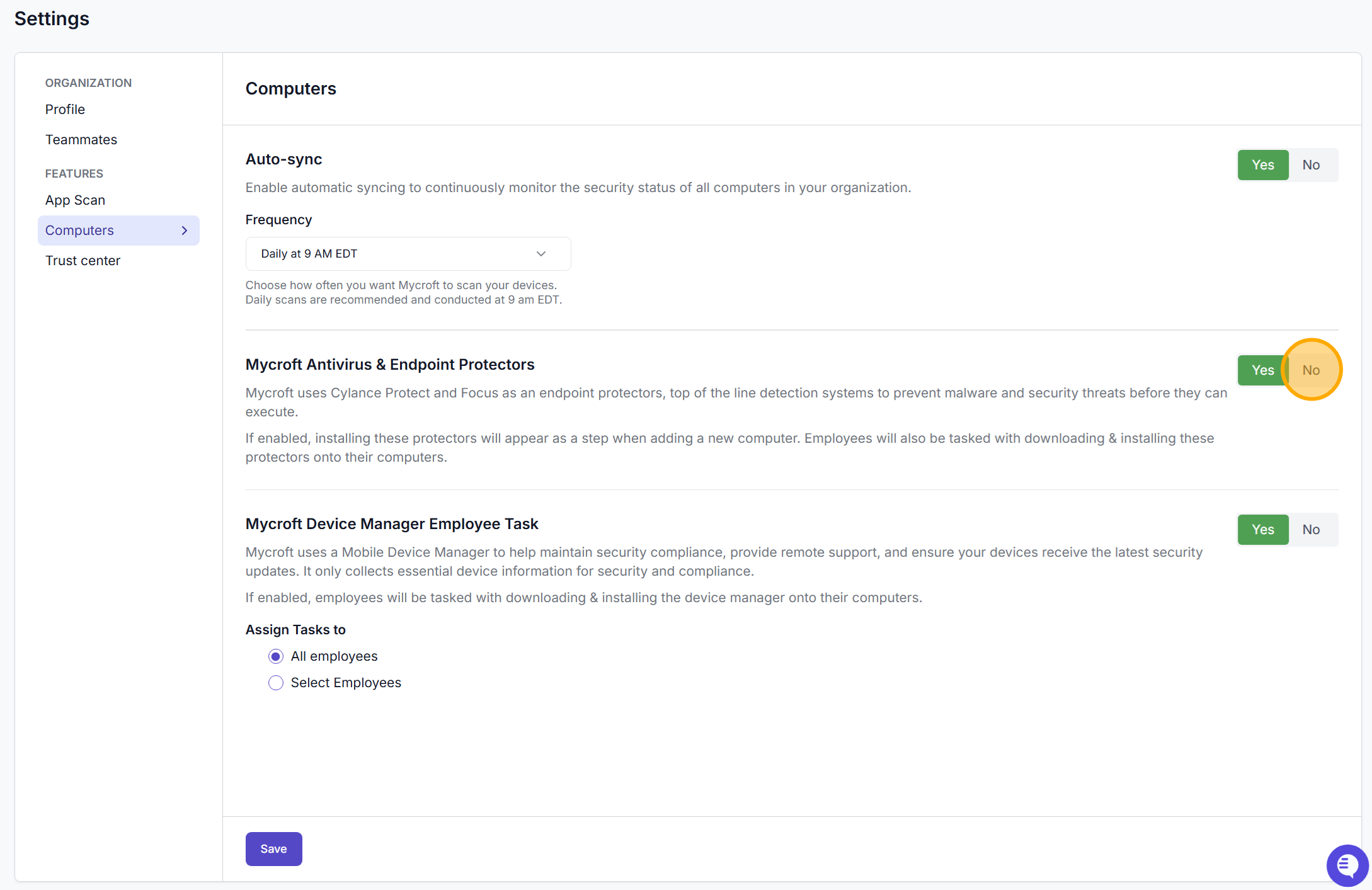
Select “No” on the “Mycroft Antivirus & Endpoint Protectors” setting.
Select “No” on the “Mycroft Device Manager Employee Task” setting.
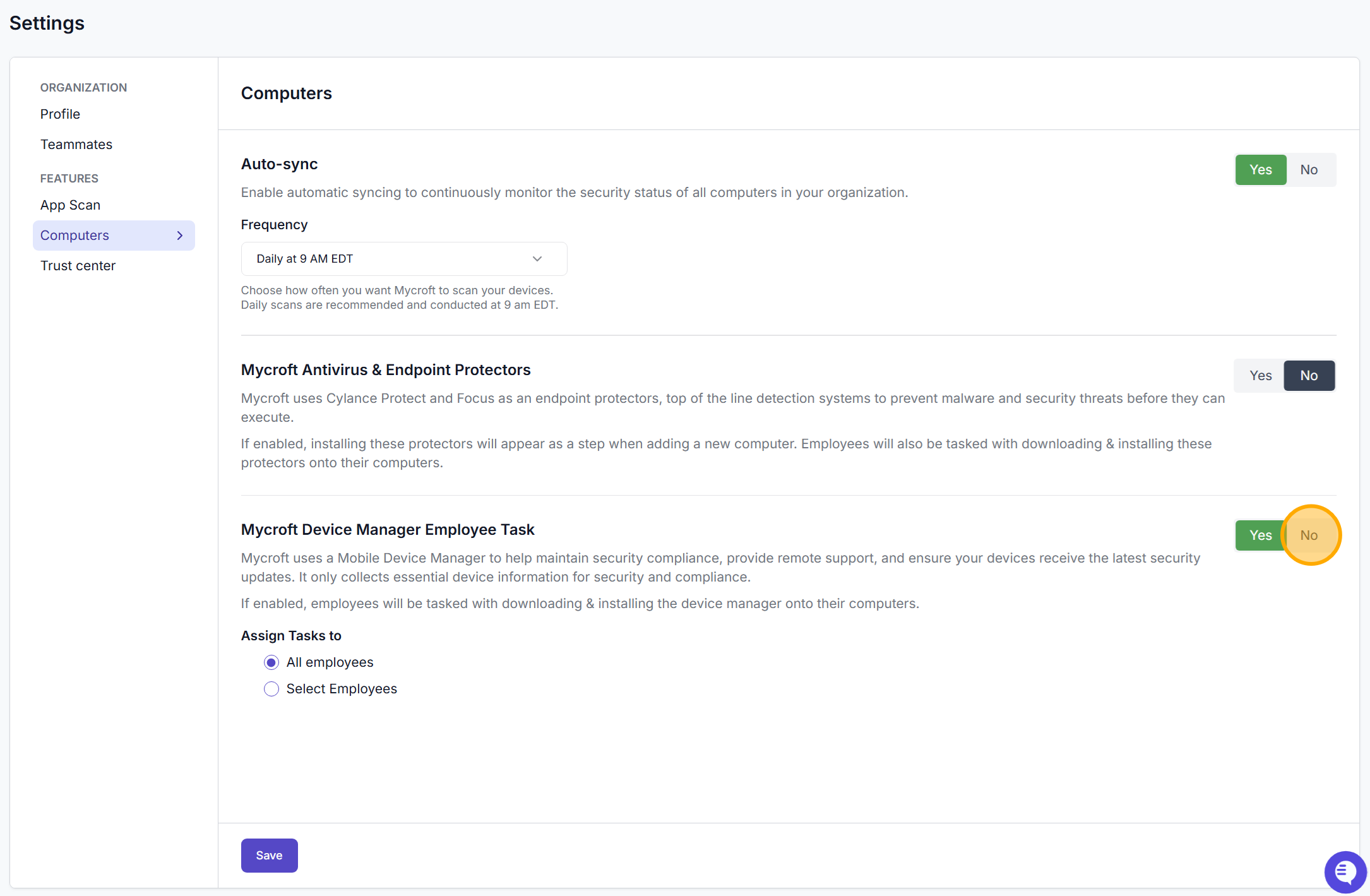
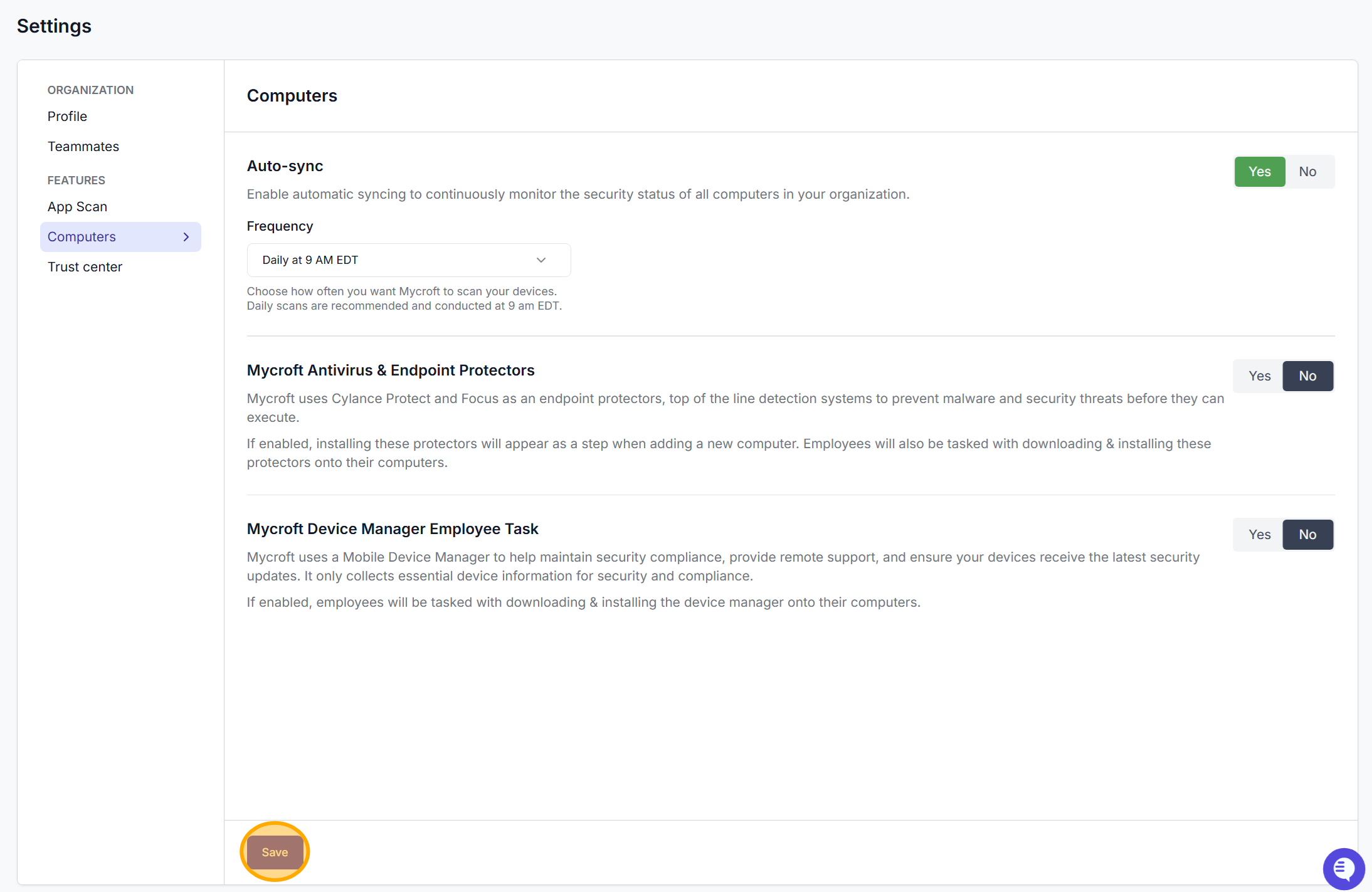
Finally, press “Save”