Deactivating a Person
Last updated: October 22, 2025
Deactivating an employee in Mycroft allows organizations to retain historical records while revoking active access. This ensures that background status, device security history, training completion, and policy acknowledgments remain preserved for audit purposes, without granting ongoing system access.
Deactivation supports secure off-boarding, minimizes risk, and maintains data integrity—all while keeping employee records available for future reference or reinstatement. It’s a key step in managing workforce transitions without compromising compliance visibility or audit readiness.
Best practices for departing employees
Follow these steps when someone leaves your organization:
Deactivate the user's account
Register the corresponding end date to keep proper records
Keep the deactivated account for historical tracking purposes
1. Navigate to https://app.mycroft.io/home
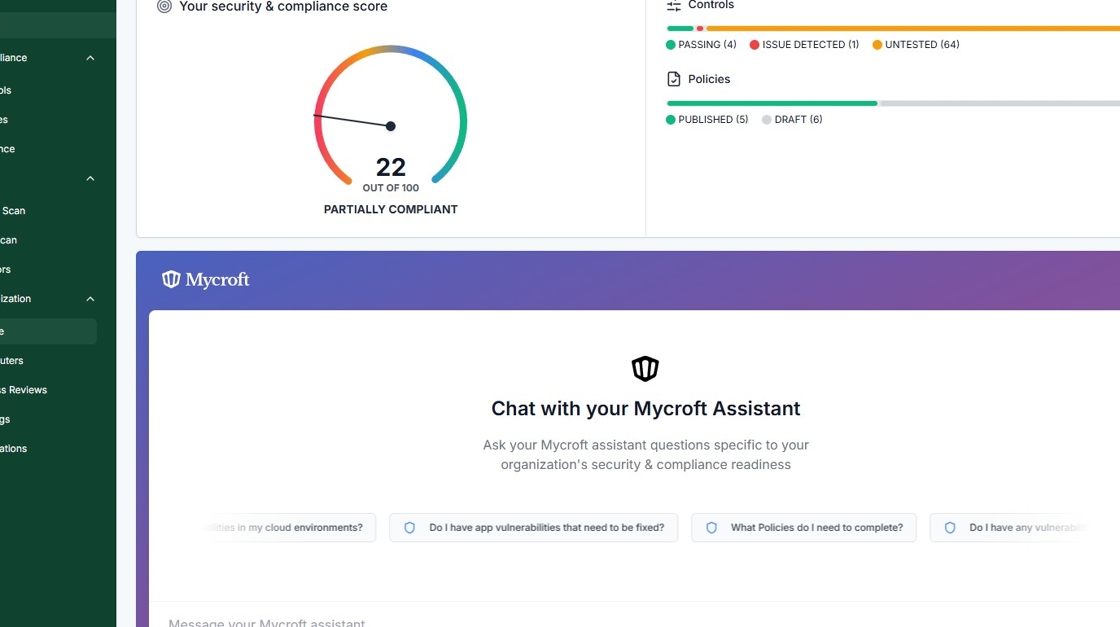
2. Select "People" from the Navigation Menu.

3. Search for the corresponding Person.

4. Select "Deactivate Person" from the Dropdown Menu.

5. Click "Confirm & deactivate".

Registering an end date to a deactivated account
Registering an end date for a deactivated employee provides a clear audit trail confirming when employment and system access officially ended.
This ensures compliance with off-boarding controls, supports verification of timely access removal, and demonstrates proper handling of user lifecycle management during audits.
Select "Update Details" from the corresponding employee.

Select "End Date".

Click the date that aligns with the employees end date.

Click " Save Changes".

Reactivating accounts
Currently, there is no self-service method to reactivate a deactivated account from within the platform. If you need to reactivate an account (for example, if someone returns to the company), please contact our support team and we can assist you with the reactivation process.
Account reactivation functionality is planned to be added to the platform in the near future, which will allow you to manage this process independently.