Removing a Person
Last updated: May 30, 2025
Removing a person in Mycroft ensures that ex‑employees or outdated accounts are fully purged from the system, eliminating security risks and reducing licensing costs. It maintains a clean, accurate user directory and prevents unauthorized access.
Performing removal within Mycroft centralizes data governance, preserves audit trails, and streamlines user lifecycle management—helping companies enforce policies, stay compliant, and optimize operational efficiency.
1. Navigate to https://app.mycroft.io/home

2. Select "People" from the Navigation Menu.

3. Search for the corresponding Person.

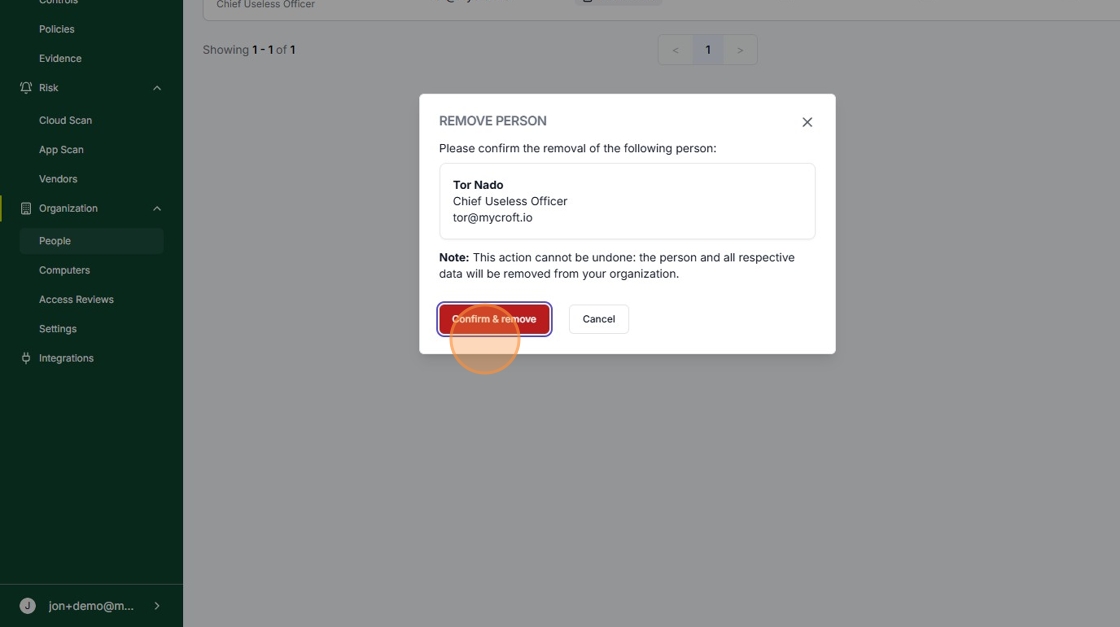
4. Select "Remove Person" from the Dropdown Menu.

5. Click "Confirm & Remove".