How to Integrate Digital Ocean in Mycroft
Last updated: May 31, 2025
Integrating Digital Ocean with Mycroft allows your organization to automatically sync infrastructure data and evidence.
To connect, follow the guided steps to enter your API token and authorize access. This integration reduces manual tasks, keeps compliance data current, and ensures your Digital Ocean resources are continuously monitored—helping streamline audits and strengthen security oversight.
1. Navigate to https://app.mycroft.io/home
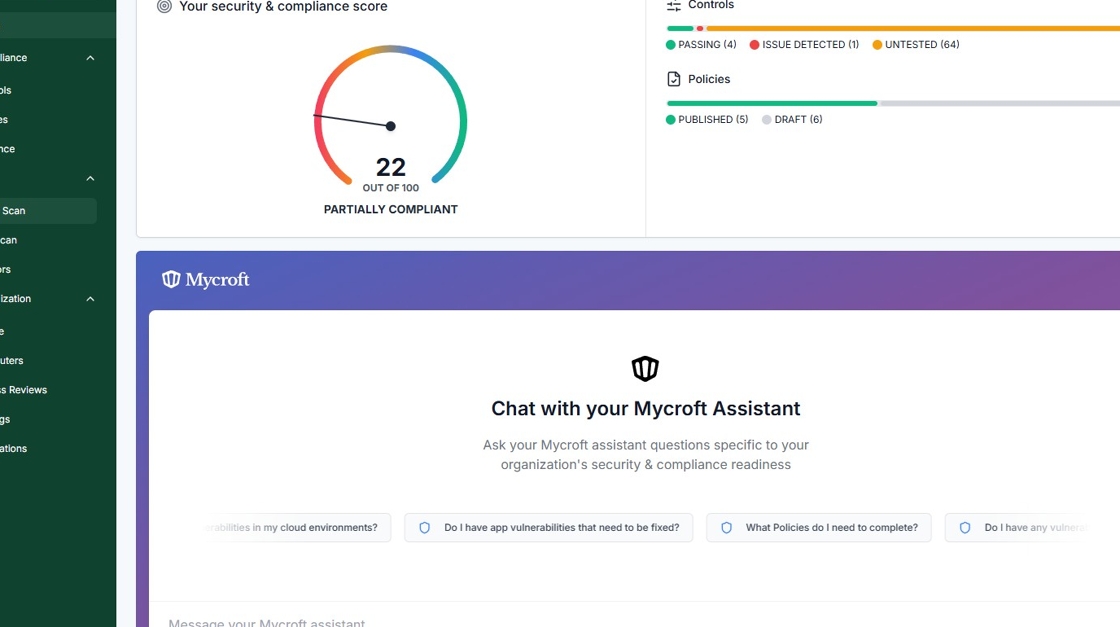
2. Select "Cloud Scan" from the Navigation Menu.

3. Click "Digital Ocean".

4. Click "Configure Integration".

5. Name your Digital Ocean connection. This is especially useful if you plan on having multiple connections.

7. Click "View Instructions" for more information on obtaining Credentials.

8. Follow the On-screen Instructions to obtain your Digital Ocean Token.

9. Input the retrieved token into the "Digital Ocean Token" field.
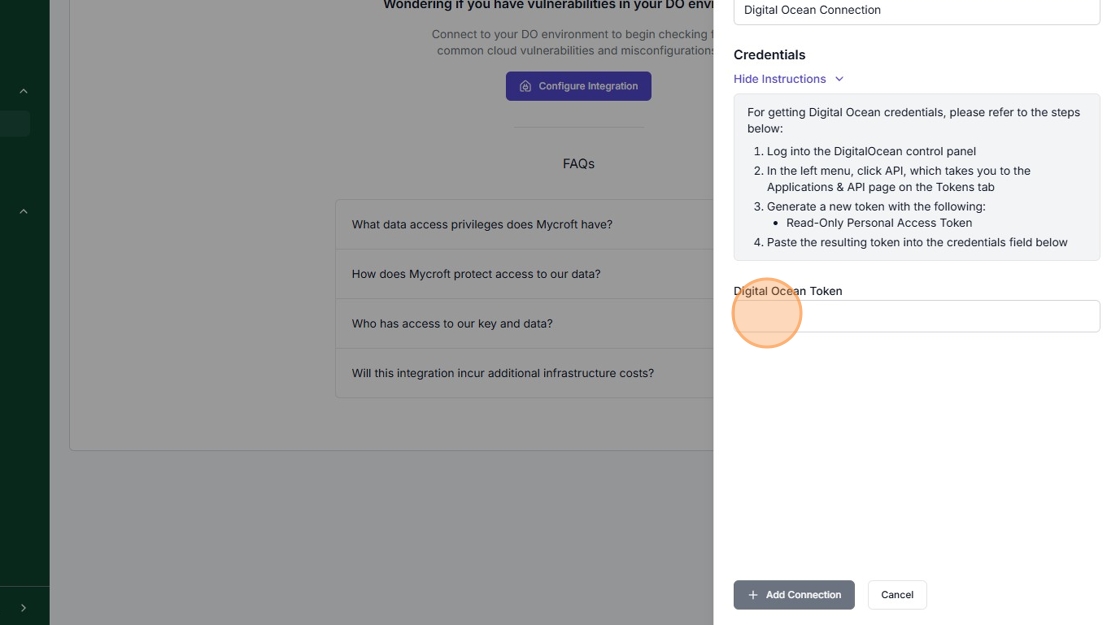
10. Click "Add Connection".
