Connecting an Integration
Last updated: September 16, 2025
Connecting integrations in Mycroft lets companies connect external systems—like ticketing, or IAM platforms—directly to the compliance workflow.
It centralizes data ingestion, automates risk assessments, and ensures real‑time synchronization of user, device, and vendor information. Managing integrations within Mycroft streamlines processes, reduces manual import/export tasks, and strengthens security by maintaining unified, auditable workflows.
1. Navigate to https://app.mycroft.io/home

2. Select "Integrations" from the Navigation Menu.

3. Search for the Platform.

4. Select the Platform to form a Connection.

5. Click "Connect".

6. Specify the account to link.
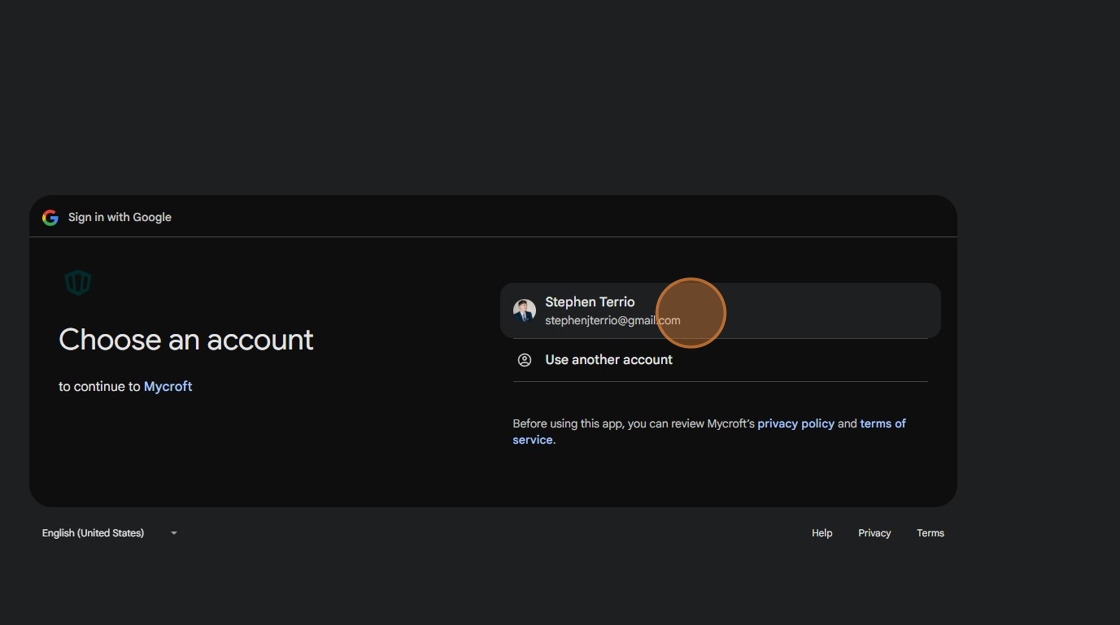
7. Click "Continue".
