Reviewing and Approving Third Party Risk Assessments
Last updated: November 24, 2025
Reviewing and approving third party risk assessments in Mycroft ensures third-party vendors meet your company’s compliance and security standards.
Managing this process within Mycroft enables faster, more informed decisions, reduces risk exposure, and supports ongoing third party oversight.
Reviewing the Third Party Risk Assessment
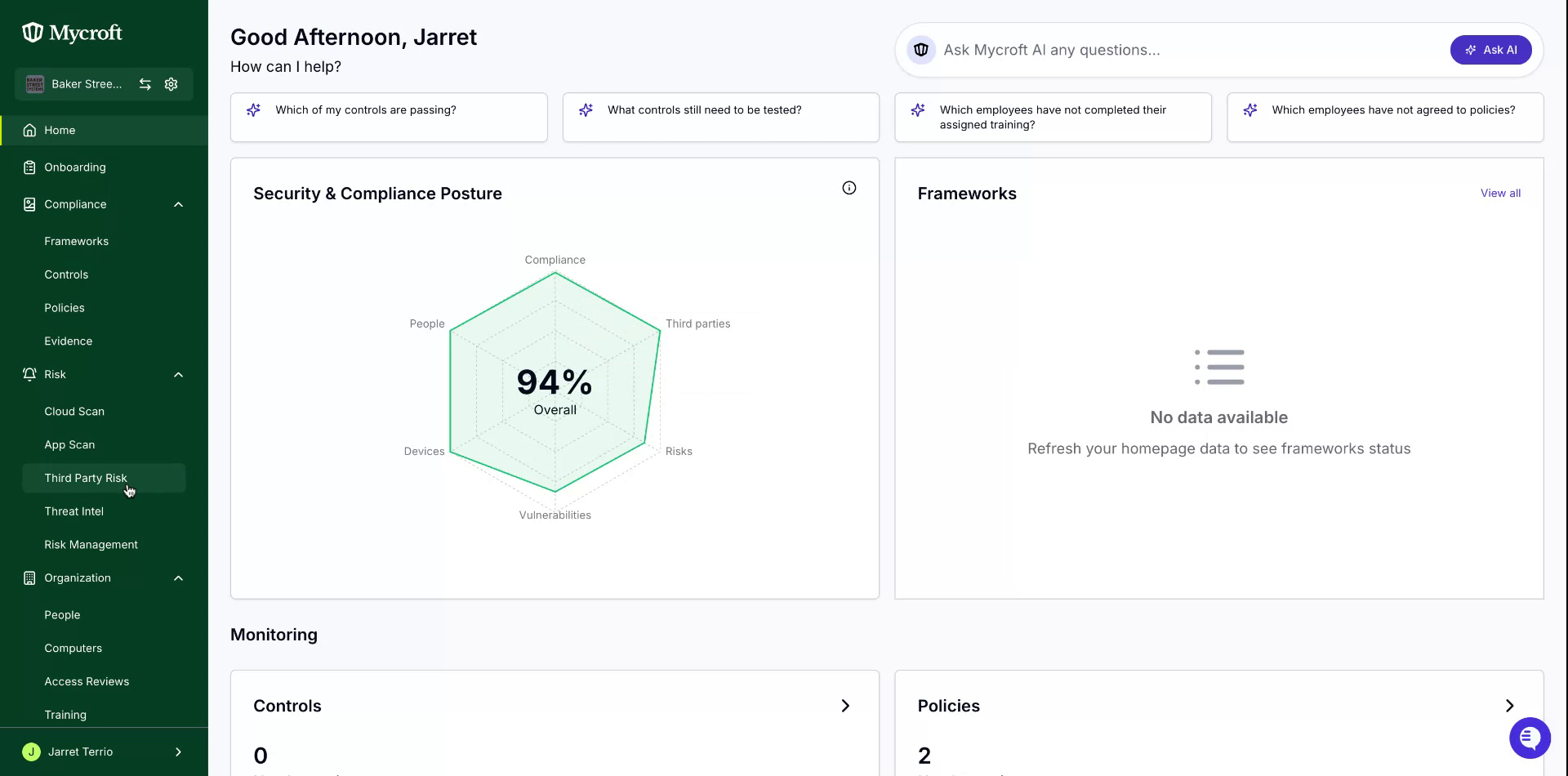
First locate and select a third party for risk assessment approval:
Click on the
Third Party Riskoption in the navigation menu
Select the entry you wish to review.
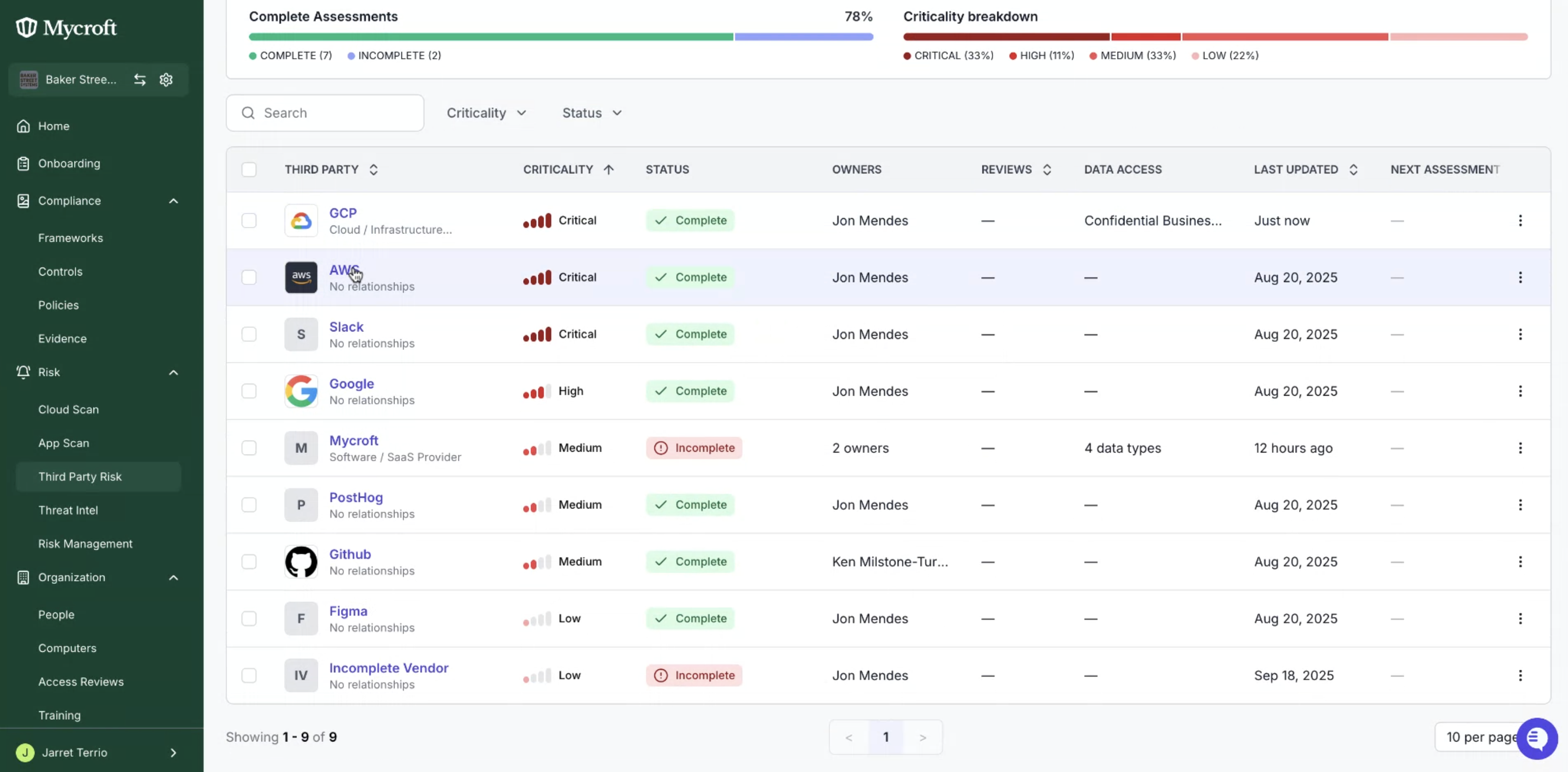
Reviewing the Third Party Risk Assessment
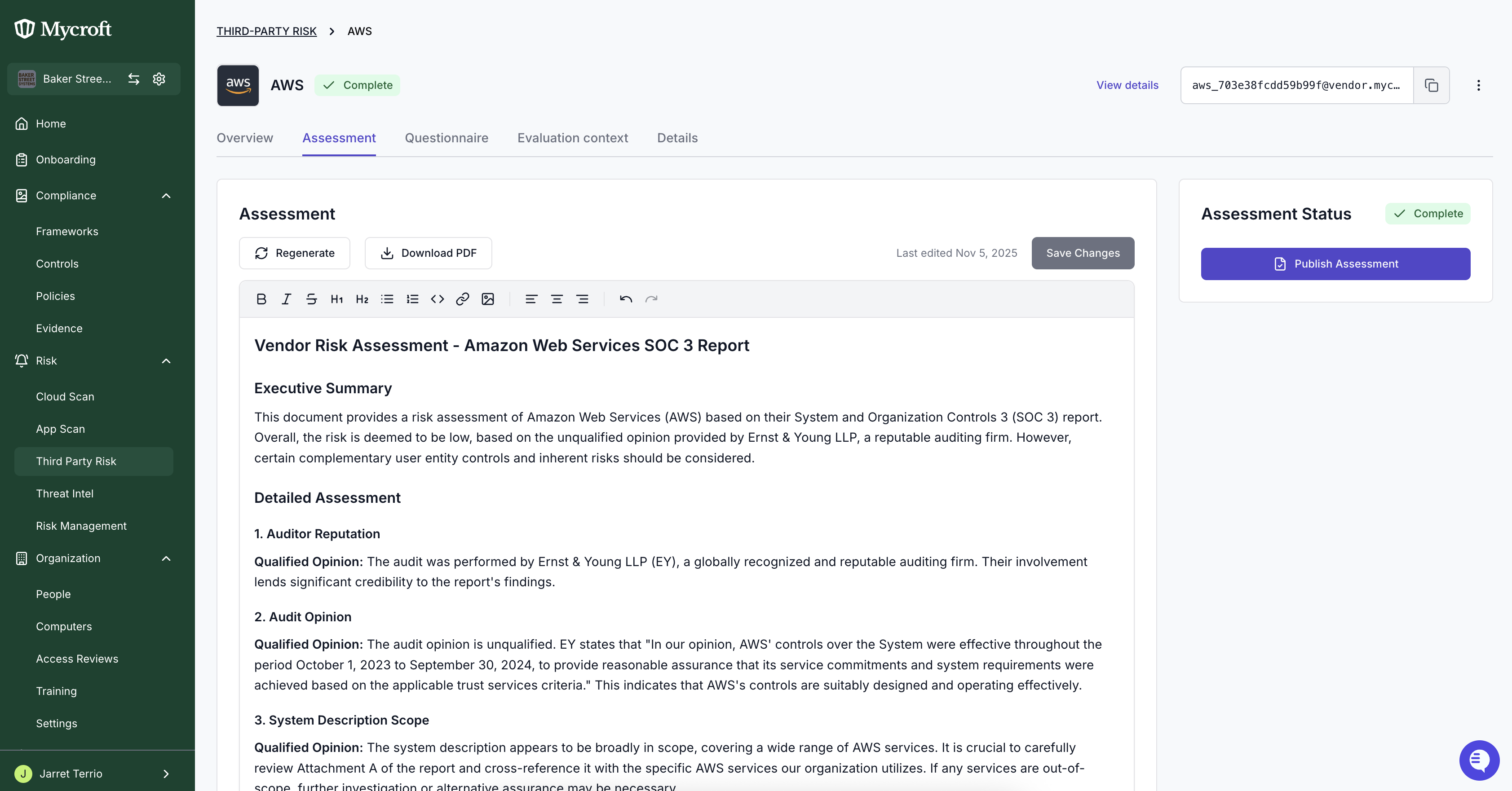
Under the Assessment tab, Carefully review all relevant details, metrics, and documentation before proceeding with approval
Approving the Risk Assessment
Once you've reviewed the risk assessment and determined it meets your organization's requirements:
Click the
Publish Assessmentbutton to initiate the approval processIn the confirmation dialog that appears, click
Confirm & approveto finalize the assessment approval
Note: This action indicates that you have completed your review and are formally approving the third party risk assessment. The approval will be recorded in the system with your user information and timestamp.